Get in touch
If you've spent any time in the cybersecurity world, you know Kali Linux. It is the household name, the "industry standard," and the OS featured in almost every hacking tutorial on YouTube. But as we move through 2026, a different green-themed contender has been quietly stealing the spotlight: Parrot OS.
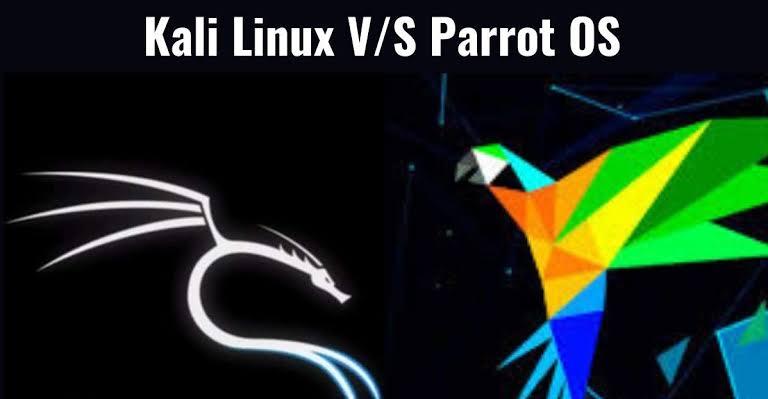
If you've spent any time in the cybersecurity world, you know Kali Linux. It is the household name, the "industry standard," and the OS featured in almost every hacking tutorial on YouTube. But as we move through 2026, a different green-themed contender has been quietly stealing the spotlight: Parrot OS.
While Kali is a surgical tool designed for specific tasks, Parrot OS has evolved into a full-scale digital fortress that you can actually live in. Here is why Parrot OS is increasingly becoming the preferred choice for developers and security professionals alike.
1. The "Daily Driver" Philosophy
The most significant difference between the two is their intended use case. Kali Linux was originally built as a "Live OS"—something you boot from a USB, perform a penetration test with, and then shut down. It wasn't meant to be your primary workstation.
Parrot OS, however, was designed from the ground up to be a permanent home. It includes a "Home Edition" specifically for developers and privacy-conscious users that strips away the heavy hacking tools but keeps the rock-solid security core. While Kali has tried to pivot toward a more general-use model recently, Parrot feels much more natural as a system where you can write code, browse the web, and manage your emails safely.
2. Extreme Resource Efficiency
In a world of bloated software, Parrot OS is a breath of fresh air. It is remarkably lightweight, making it the king of virtual machines and older hardware.
The MATE Desktop: While Kali often defaults to XFCE or GNOME, Parrot uses a highly optimized version of MATE. It’s snappy, responsive, and doesn't require a high-end GPU to feel smooth.
Minimalist Footprint: Parrot can run comfortably on systems with half the RAM required by a standard Kali installation. If you’re running multiple lab environments or containers simultaneously, those saved system resources are gold.
3. Built-in Anonymity and “AnonSurf”
Privacy isn't just an afterthought in Parrot; it’s a core feature. One of the biggest "killer apps" in the Parrot ecosystem is AnonSurf.
With a single click or command, AnonSurf routes your entire system’s traffic—not just your browser, but every background process and terminal command—through the Tor network. On Kali, setting up this level of system-wide anonymity requires manual configuration and several third-party tools. On Parrot, it’s integrated into the OS at a fundamental level, making it incredibly easy to protect your IP address during sensitive research.
4. A Developer’s Paradise Out of the Box
If you are a developer who also does security work, Parrot saves you hours of setup time. Kali is laser-focused on offensive security tools, often leaving out the essentials for software engineering.
Parrot OS comes pre-installed with a wide array of compilers, IDEs, and text editors. Whether you need Python, Go, Rust, or a clean version of VSCodium, Parrot usually has it ready to go the moment you finish the installation. It treats "development" and "security" as two sides of the same coin, rather than two separate worlds.
5. Logical Organization and User Experience
While Kali’s "Dragon" menu is iconic, it can feel cluttered. Parrot OS uses a more refined, categorized approach to its toolset. The menus are organized by the actual stages of a security audit—Information Gathering, Vulnerability Analysis, Exploitation, and Post-Exploitation.
Additionally, the Parrot desktop provides real-time system telemetry (CPU load, network traffic, RAM usage) directly on the main panel. For a researcher running a long-term automated scan, being able to glance at system health without opening a terminal is a small but vital quality-of-life improvement.
The Final Verdict: Which Should You Choose?
The choice ultimately depends on your goals:
Choose Kali Linux if you are strictly studying for a certification like the OSCP. Since the exams are often based on the Kali environment, it makes sense to train in the exact same "room" where you'll be tested.
Choose Parrot OS if you want a high-performance, privacy-focused workstation that you can use for everything. If you want one OS that can handle your React development in the morning and a network audit in the afternoon, Parrot is the superior tool.
In 2026, the "Best OS" isn't just the one with the most tools—it's the one that integrates most seamlessly into your life. For more and more professionals, that OS is Parrot.
Your email address will not be published. Required fields are marked *